
Miner Earnings1,816.40 SPACE |
Stratum Configuration
All of our servers use the vardiff algorithm to automatically adjust mining difficulty.
| stratum+tcp://btccore.tech:10335 | LOW |
| stratum+tcp://btccore.tech:10337 | HIGH |
| stratum+ssl://btccore.tech:10339 | SSL |
LOGIN: Login using your wallet address as username. An optional workername can be appended to your address separated by a dot (.) character. Password can be left blank.
Static difficulty: To mine with a static (fixed) difficulty simply use d=xxx as password where xxx is your preferred difficulty.
Getting a Wallet
Before you can start to mine you need to create a wallet. Although MicrovisionChain is an entirely digital asset, you still need a place to store them. This is done in a digital wallet. There are multiple methods to obtain a wallet which vary by ease of use and the security they provide.
Official Wallets
Official first-party Wallets for all major platforms are available from the MicrovisionChain Website. These wallets are released and maintained by the MicrovisionChain Team.
Hardware Wallets
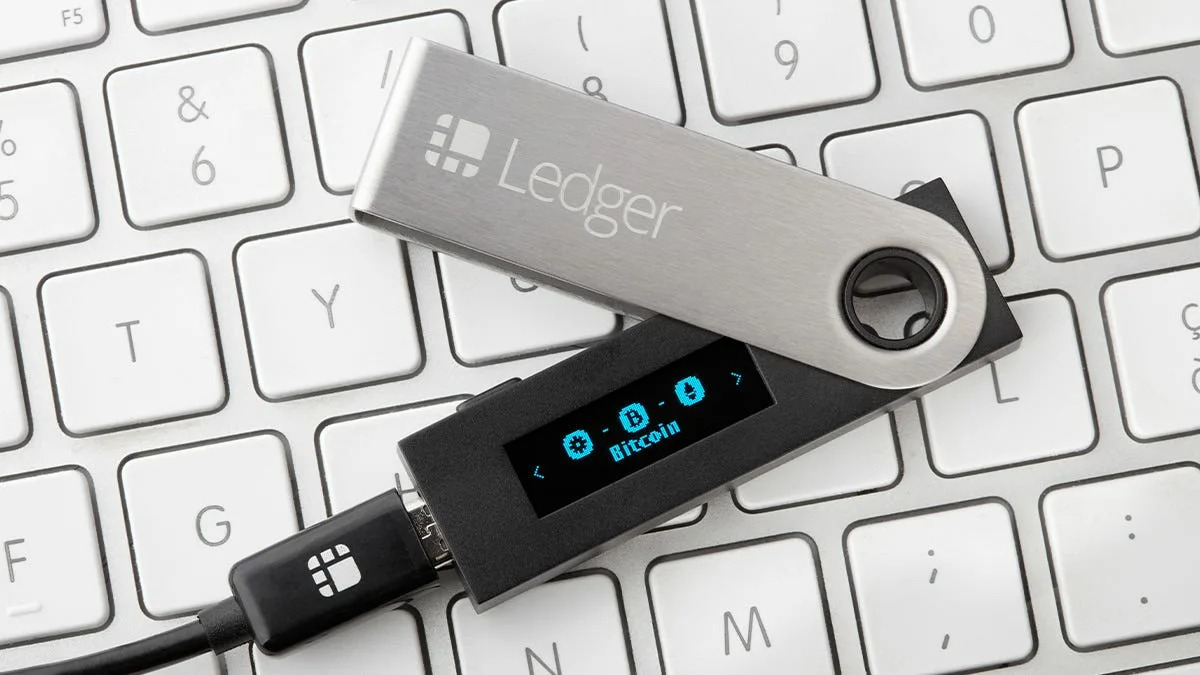
A hardware wallet is a special type of wallet which stores your private keys in a secure hardware device. Hardware wallets offer robust safety features for storing cryptographic assets and securing digital payments. The most popular hardware wallets are the Ledger Nano S and the Trezor.
Registering with a Crypto-Exchange
There are multiple digital currency exchanges you can register with. Registering with an exchange allows you to create a wallet on the exchange for every currency the exchange supports.
| Miner | Hashrate |
|---|---|
| 15kFs65x98XGYNTedsWTX1mSvxg2xcvWhE | 10.52 TH/s |
| 17i1KoMy8o61NPBf9Bf2qVX2sXppn2DcJT | 2.95 TH/s |
| Hashrate | 5.30 TH/s |
| Network Hashrate | 3.33 PH/s |
| Network Difficulty | 352.72 Million |
| Algorithm | Sha256D |
| Current Effort | 7% |
| Average Effort 10 | 131% |
| Average Effort 50 | 134% |
| Miners | 2 |
| Difficulty/Port |
65536
10335
1048576
10337
65536
10339
|
| Earnings | SOLO |
| Fee | 0.5% |
| Minimum Payout | 1 SPACE |
| Pool Wallet | 174NwWwCK83bb4GV28Jp2Eed7bhHCPmyRZ |